


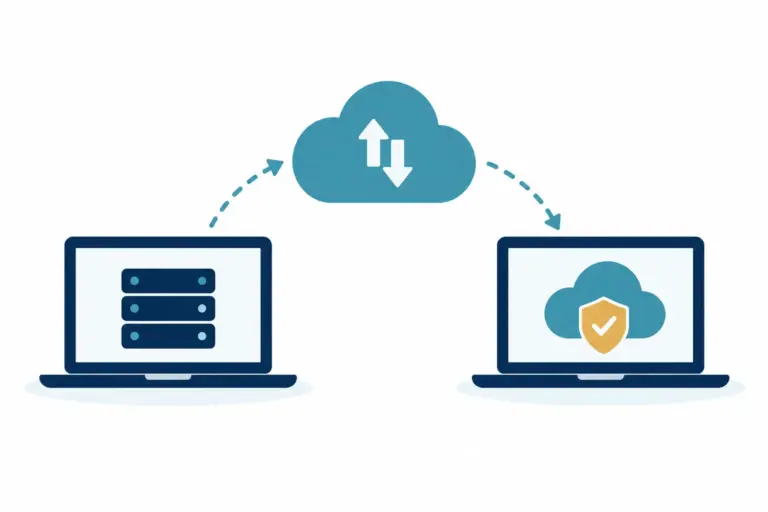

What Happens During IT Migration at Work?
What happens during IT migration? Learn how a well-planned move protects day-to-day work, data and access, with fewer surprises for small teams at work.

What happens during IT migration? Learn how a well-planned move protects day-to-day work, data and access, with fewer surprises for small teams at work.
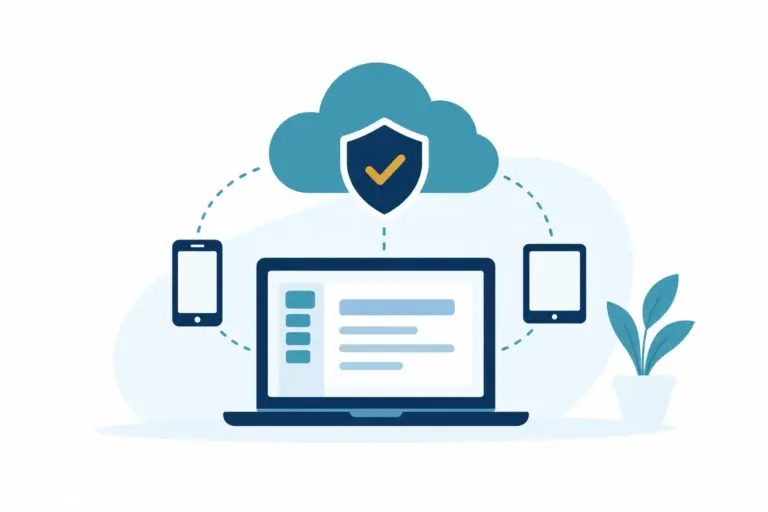
Business continuity helps small businesses keep working through outages, staff absence and cyber incidents, using clear plans, tested backups and support.
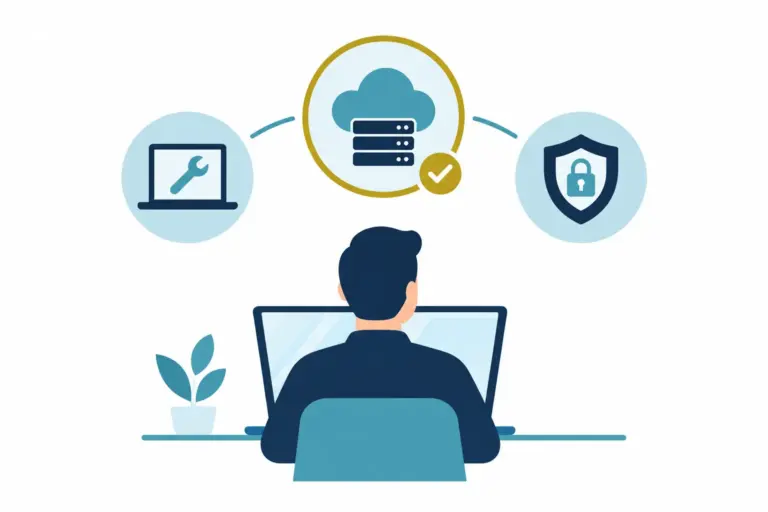
The best IT support model gives a small business clear ownership, fewer interruptions and room to plan, without unnecessary complexity or surprise costs.
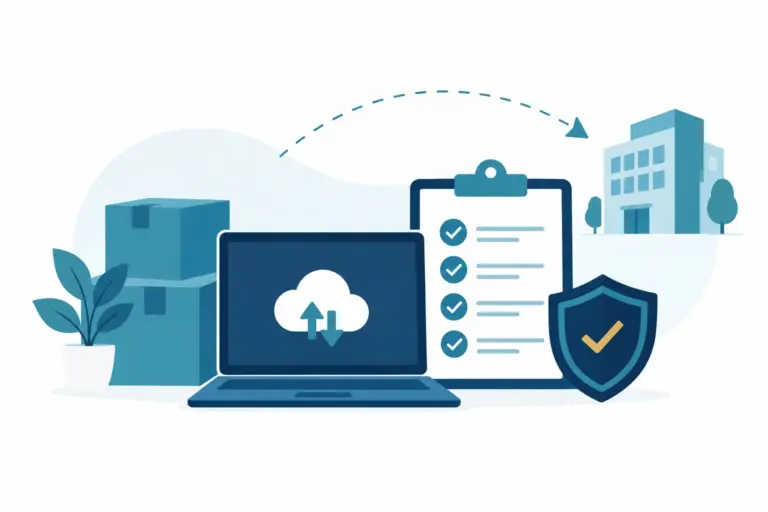
Use this office IT relocation checklist to plan connectivity, equipment, security and staff communication, so business can settle in with less disruption.
The best backup checks for small teams are simple: confirm jobs ran, data can be restored, and the right people know what to do when needed most weeks.
Choosing the best secure file sharing options for a small business means balancing protection, access and everyday ease for your team and clients too.
Learn how to choose backup retention that protects your business without excess storage costs, missing vital copies, or needless complexity over time.
Learn how to reduce recurring IT issues by spotting patterns, fixing root causes and making day-to-day technology more dependable for your teams daily.
Learn how to manage external supplier access with clear ownership, sensible permissions and simple reviews that keep daily work moving securely each day.
This business continuity planning guide helps small businesses keep working through disruption, with priorities for people, systems, data and suppliers.