


If your server is getting old, unreliable, or simply no longer fits how your team works, the real problem is rarely the box itself. It is the quiet dependency that has built up around it. Shared files, logins, line-of-business software, backups, remote access – they all tend to lean on that one part of the setup until changing it feels risky.
That is why server migration services for small business are less about moving data from A to B and more about protecting the working day. A good migration should feel planned, calm and slightly boring. Your team should know what is changing, what is not, and when they can get on with their jobs.
What small businesses usually mean by a server migration
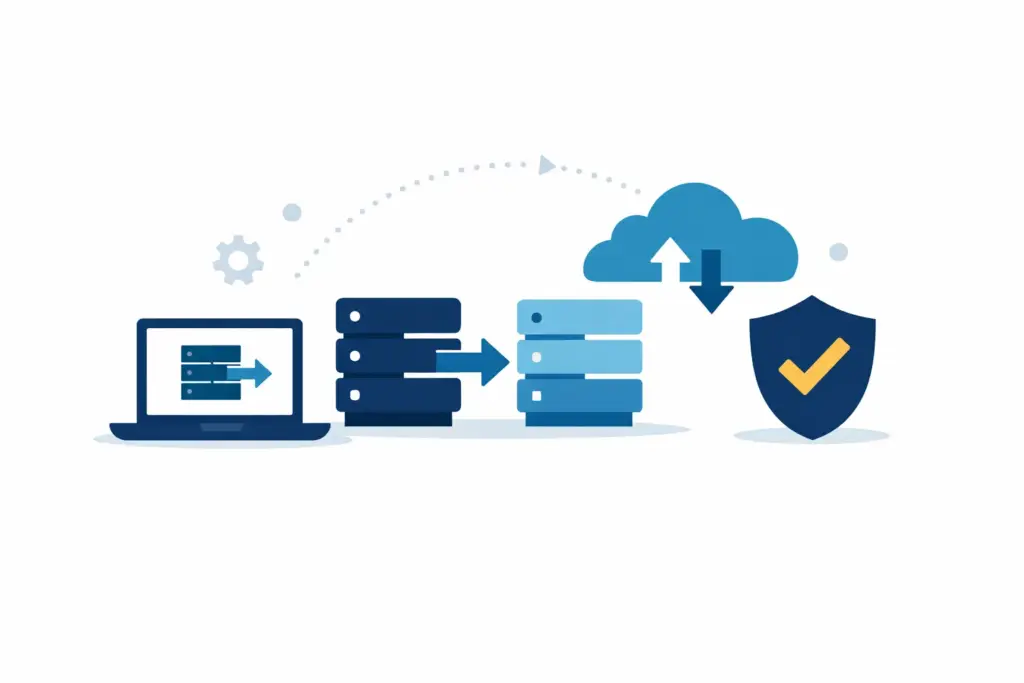
For an SME, a server migration can mean several different things. Sometimes it is moving from an ageing on-site server to a newer one. Sometimes it is shifting files, email or applications into Microsoft 365 or Azure. In other cases, it is part tidy-up, part relocation – keeping a few local services where they still make sense and moving the rest into a simpler cloud-based setup.
The right approach depends on what the server is actually doing today. In many small businesses, one server has gradually become responsible for too many jobs. It may hold shared folders, run an application, manage user logins and support backups all at once. That does not mean it is wrong. It just means the migration needs to be planned around the business, not around a neat technical diagram.
Why server migration services for small business need a different approach
Small businesses usually do not have spare time, spare systems or spare people waiting around for an IT project to overrun. The finance manager might also be the office manager. The managing director may be approving invoices between client calls. If systems are unavailable for longer than expected, the effect is immediate.
That is why the enterprise style of migration planning is rarely a good fit. You do not need layers of jargon, long workshops or a grand transformation programme. You need someone to understand what matters most, identify the points of risk and make sensible choices about timing, testing and fallback options.
There is also a practical point here. Many SMEs do not need a like-for-like replacement of everything they already have. A migration is often the best moment to ask whether an old dependency still needs to exist at all. Some services are worth moving. Some can be simplified. Some can be retired without anybody missing them except perhaps one slightly grumpy printer.
What a well-run migration should look like
A good migration starts with discovery, but not discovery for its own sake. The aim is to understand which users, files, applications and permissions matter to day-to-day work. If there is a finance system that only one person uses at month end, that matters. If a shared folder is used by everyone all day, that matters even more.
From there, the planning should be clear and proportionate. Most small businesses need a straightforward view of what is moving, what depends on it, what the likely interruption will be and what checks will happen before and after the change. They do not need a 40-page document to reassure them that someone has thought it through.
Testing is where calm projects are won. That might mean checking access to shared files, confirming applications still behave properly, making sure printers, scanners and mapped drives have not developed any strange new opinions, and verifying backups on the new setup. None of this is glamorous. It is simply the work that prevents Monday morning surprises.
Timing matters as well. Many server moves are best done outside working hours or over a quieter period, but not every business has a true quiet period. The point is to choose timing around real operations rather than an arbitrary project calendar.
Common sticking points that catch small teams out
The technical move is often only half the story. Permissions can be inconsistent, old software may rely on forgotten settings, and staff may have developed workarounds that nobody formally documented. This is normal. Small businesses are usually busy getting work done, not maintaining perfect IT diagrams.
One common issue is assuming that all data should be moved exactly as it is. In practice, migrations often reveal years of duplicate folders, unclear ownership and archived material living beside active work. That does not mean a major clean-up has to happen before the migration, but some basic sorting can make the new setup easier to manage.
Another sticking point is underestimating application dependencies. Files are usually straightforward enough. Business software can be less forgiving. If your accounts package, stock system or specialist industry software touches the server in any way, that needs proper attention early on.
Remote access is another area worth checking carefully. A setup that worked tolerably well in the office five years ago may not suit a team now working partly from home, partly on the road and partly wherever the coffee is acceptable. Migration is a chance to make access simpler and more predictable.
On-site server, cloud, or a mix of both?
This is usually the question underneath the project. Should you keep a server on site, move everything to the cloud, or split things sensibly between the two?
It depends on the software you rely on, the size of the team, your internet connection, security needs and how people actually work. Some small businesses are excellent candidates for reducing or removing their on-site server footprint. Others still benefit from keeping one or two local services in place, particularly where older software is involved.
The best answer is not always the newest or most fashionable one. It is the option that gives your business stable access, sensible security and less day-to-day faff. Sometimes that means moving fully into Microsoft 365 and Azure. Sometimes it means a staged migration over time. Sometimes it means keeping one part local because changing it now would create more disruption than value.
How to judge a migration service without becoming an IT expert
You do not need to master the technical detail to judge whether a migration is being handled properly. What you do need is clarity.
A reliable provider should be able to explain the scope in plain English, flag likely problem areas early and tell you what the business impact is likely to be. They should also be realistic. If a migration involves old software, awkward permissions or a tangle of shared data, it is better to hear that calmly at the start than be told everything is simple when it clearly is not.
It is also worth paying attention to what happens after the move. For small businesses, the migration itself is only one moment. What matters more is whether the new setup is easier to support, easier to back up and less likely to create repeat issues a few weeks later. That is one reason many businesses prefer working with an IT partner who will still be around once the project is finished, rather than treating the migration as a one-off event.
Planning around people, not just systems
Even modest server changes affect habits. Folder paths change. Login prompts look different. Old shortcuts stop working. None of these are major disasters, but together they can create a surprisingly noisy morning if nobody has prepared users properly.
A calm migration includes simple communication. Staff should know what is changing, whether they need to do anything and who to contact if something looks odd. Most people do not need a tutorial. They just need a clear heads-up and confidence that someone is keeping an eye on things.
This is especially true in smaller teams, where one small IT gremlin can interrupt several people at once. Quiet reassurance goes a long way.
When it makes sense to act
You do not always need to migrate the moment a server reaches a certain age. But there are signs that the timing is worth reviewing. Performance issues are one. Backup concerns are another. Growing remote working needs, office moves, software changes and rising support overhead can all be sensible triggers as well.
The point is not to wait for drama. It is to make the change while you still have room to plan it properly.
For many SMEs, that is where server migration services for small business earn their value. Not by turning a routine change into a big technical event, but by reducing uncertainty, keeping work moving and leaving you with something easier to trust afterwards. If you want a straightforward conversation about what that could look like, Undo IT Support is one example of the kind of long-term IT partner that approaches migrations in that calm, practical way.
Good migrations are rarely memorable. That is usually a sign they were handled well.