


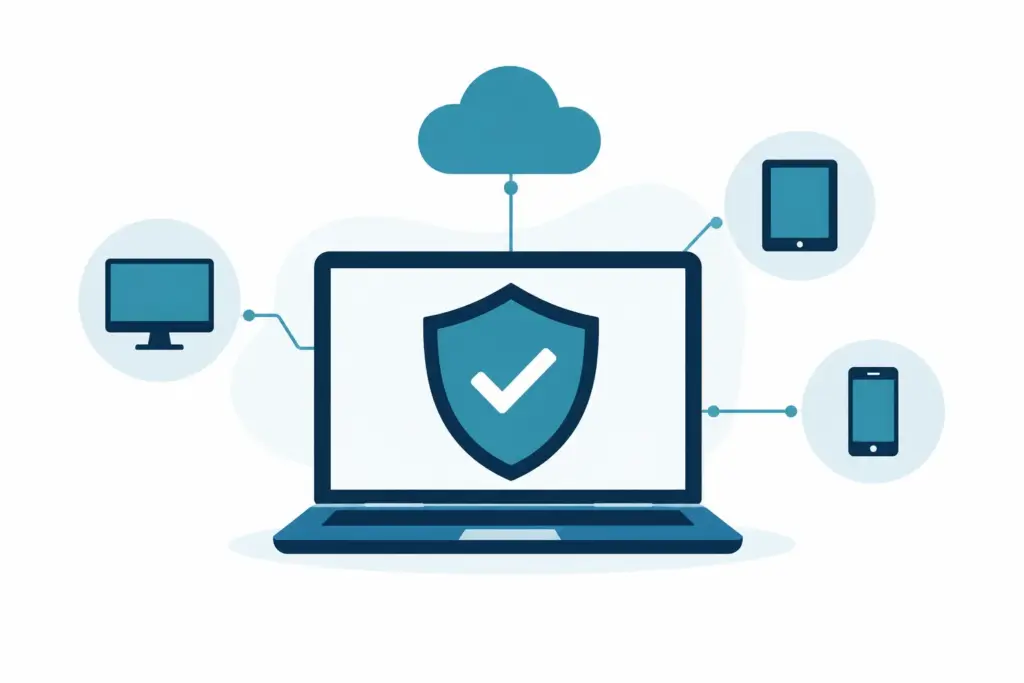
A laptop goes missing on a train. A colleague clicks a convincing-looking file. A Windows update leaves one machine behaving oddly. These are ordinary working-day problems, not scenes from a thriller. An endpoint protection review for SMEs is simply a way to check that the computers, phones and tablets your team uses are protected well enough, managed consistently, and unlikely to create an avoidable interruption.
For a small business, the aim is not to build an elaborate security operation. It is to make sensible decisions, know who is responsible for the basics, and avoid discovering gaps only when someone cannot work.
What endpoint protection actually covers
An endpoint is any device that connects to your business systems. For most small teams, that means Windows laptops and desktop PCs, Macs, mobile phones and tablets. It may also include a shared computer in a shop, warehouse or meeting room.
Endpoint protection is the security that sits on, or manages, those devices. Traditional antivirus is part of it, but it is no longer the whole picture. A suitable service should help identify suspicious activity, stop common harmful files from running, keep an eye on device health, and give someone a clear view of whether protection is working.
The useful question is not, “Do we have antivirus?” Many businesses do. The better question is whether every device that accesses company email, files or customer information is covered, up to date and visible to the person responsible for IT.
That distinction matters when a business has grown gradually. A director may have bought a laptop in a hurry. A former employee’s device may still appear in Microsoft 365. Someone may occasionally use a personal computer at home. None of this means anything has been done wrongly. It is simply what normal growth looks like, and why an occasional review is worthwhile.
What a sensible endpoint protection review for SMEs looks at
A good review starts with a calm inventory, rather than a long list of technical settings. You want to understand which devices exist, who uses them, and whether they are still part of the business.
Coverage should match the way people work
Begin with the devices that can access business accounts and data. This includes home-working laptops and mobile devices used for email, not only machines in the office. If a device is used to sign in to Microsoft 365, access shared files or handle customer information, it belongs in the conversation.
Then check whether protection is installed and reporting properly. Licences that have expired, software that has been removed, or devices that have not connected for months can all create blind spots. Equally, an old computer that has been properly retired should be removed from management systems. A tidy list is easier to trust.
Personal devices need a proportionate approach. Some small businesses allow them, particularly for directors or occasional remote work. That can be workable, but the rules should be clear. It may be better to limit what personal devices can access than to try to manage every aspect of an employee’s own phone or laptop.
Protection needs someone watching the dashboard
Security software can raise useful alerts, but alerts on their own do not solve much. Small business owners should not have to interpret technical notifications between customer calls and payroll.
Your review should establish who receives alerts, who decides whether they matter, and who can act if a device needs attention. This might be an internal member of staff for a very small setup, but it is often more realistic for a managed IT partner to monitor and investigate issues.
There is a balance here. Overly sensitive settings can create a stream of harmless warnings and disrupt normal work. Settings that are too relaxed may miss useful signals. The right arrangement is one that filters everyday noise while making sure genuine concerns are handled promptly and calmly.
Updates and device health still do a lot of the heavy lifting
Endpoint protection works alongside ordinary maintenance. A well-protected device that is years behind on updates is still harder to support and less predictable to use. The review should therefore consider whether operating system updates, browser updates and key business applications are being kept current.
This does not mean installing every update blindly at the busiest time of the day. Some updates need sensible scheduling, especially where specialist software is involved. It does mean having a reliable process so that patches do not become another small job that sits on somebody’s mental list for six months.
Encryption is another practical check, particularly for portable laptops. If a device is lost, encryption helps protect the information stored on it. It is an unobtrusive measure when set up properly, which is generally the best kind of security.
Recovery matters as much as prevention
No endpoint tool can promise that nothing will ever go wrong. A worthwhile review considers what happens when a device needs to be isolated, replaced or rebuilt.
Can the user continue working from another device? Are their files held safely in the right place rather than only on the laptop? Can business software and settings be restored without a day of hunting for passwords and installers? Endpoint protection, Microsoft 365 security and backup planning are connected because they all support the same outcome: a small problem stays small.
This is particularly relevant for businesses where one person holds a great deal of operational knowledge. If their laptop fails or disappears, the aim should be inconvenience, not confusion.
Choosing the right level of protection
There is no single endpoint product that is automatically right for every SME. The best fit depends on the devices you use, whether staff work remotely, the information you handle, and how much internal capacity you have to manage alerts and updates.
For a small office using standard Windows laptops and Microsoft 365, the priority is usually consistent protection, sensible device management and clear oversight. A more complex arrangement may be justified where staff handle sensitive client data, work across several locations, or regularly use a mix of company-owned and personal devices.
Cost deserves an honest look too. The cheapest option may cover only basic antivirus and leave administration to someone in the business. A more managed service can cost more per user, but may reduce the time spent chasing update messages, checking devices and wondering whether a warning needs attention. Neither approach is universally better. The practical choice is the one your business can maintain without relying on good intentions and spare Friday afternoons.
Avoid judging tools by a long feature list. For most teams, the useful measures are simpler: are all relevant devices covered, are issues visible, is protection kept current, and does someone take ownership when an alert appears?
Questions worth asking at your next review
You do not need a formal audit every month. Reviewing endpoint protection when you renew licences, onboard staff, replace devices or change working arrangements is often enough. The following questions usually reveal where attention is needed:
- Do we have an accurate list of the devices that access business systems?
- Is protection active and current on each of those devices?
- Are old, lost or unused devices removed from access and management?
- Does someone receive and act on meaningful security alerts?
- Are laptops encrypted, updated and able to be rebuilt without drama?
- Do staff know the simple route for reporting something unusual?
The final question is easy to overlook. People should not feel they need to diagnose a suspicious email, a slow laptop or an unexpected pop-up. They simply need to know whom to tell. Clear reporting is often more valuable than asking everyone to become a part-time security specialist.
Keeping protection useful, not intrusive
Good endpoint protection should quietly support the working day. It may occasionally block something that needs checking, ask for a restart, or flag a file that turns out to be legitimate. Those small interruptions are part of normal protection, but they should be explainable and manageable.
The goal is not to make security invisible at all costs. It is to make it predictable. Staff should be able to work without constantly meeting ticket robots and warnings, while the business has confidence that devices are not being left to look after themselves.
If you use an outsourced IT partner, an endpoint review is a useful opportunity to agree what is covered, how new devices are added, and where responsibility sits. Undo IT Support can help small businesses make those decisions in plain English, but the principle remains the same whichever support model you use: keep the arrangement simple enough to maintain.
A good review should leave you with fewer unknowns, not more paperwork. Once coverage, ownership and recovery are clear, endpoint protection can return to its proper role in the background – quietly helping everyone get on with their work.